Photoshop合成冰凍特效的金魚(yú)場(chǎng)景【英】(5)
文章來(lái)源于 Tutsplus.com,感謝作者 Jenny Le 給我們帶來(lái)經(jīng)精彩的文章!Step 2
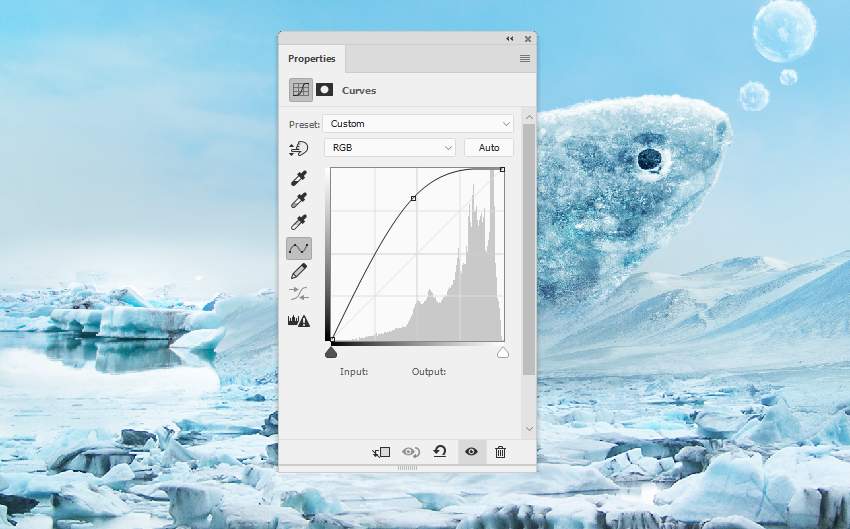
Use a Curves adjustment layer to bring more light to this area.
Step 3
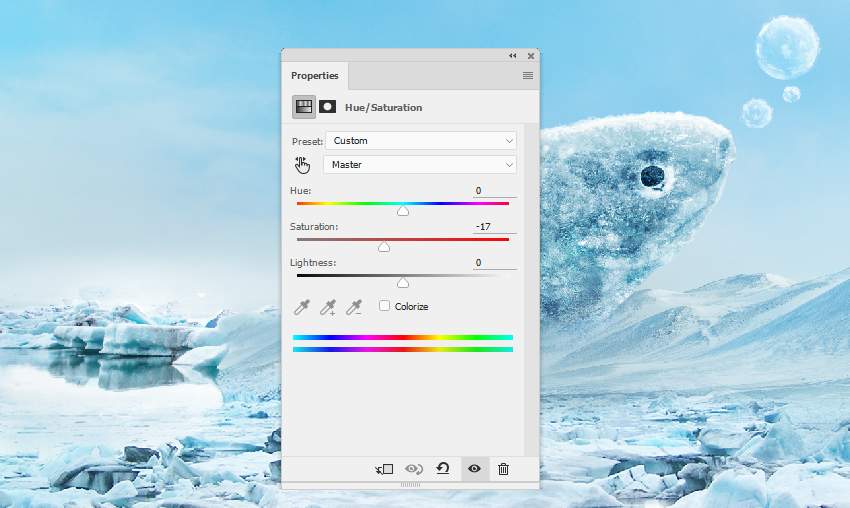
Add a Hue/Saturation adjustment layer to desaturate the ice's color a little.
Step 4
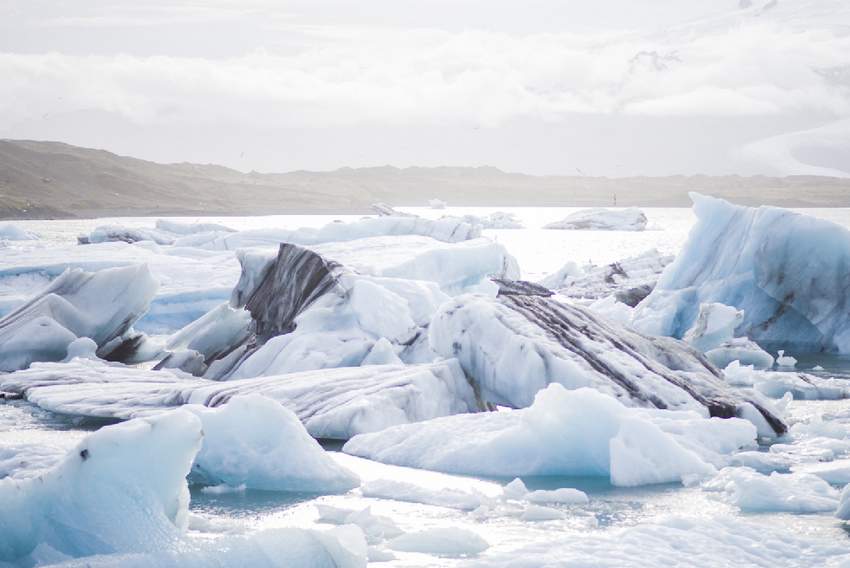
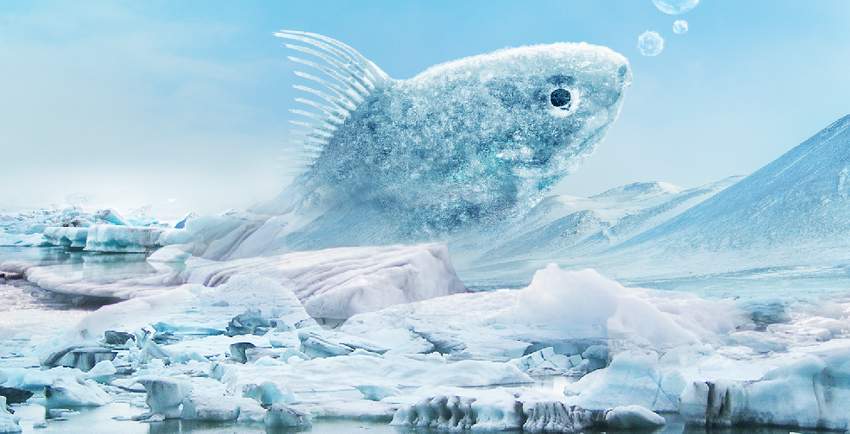
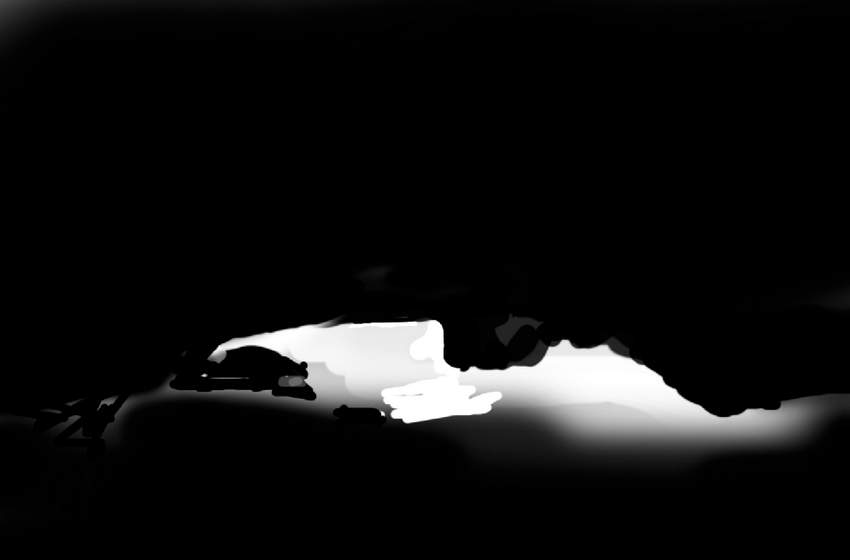
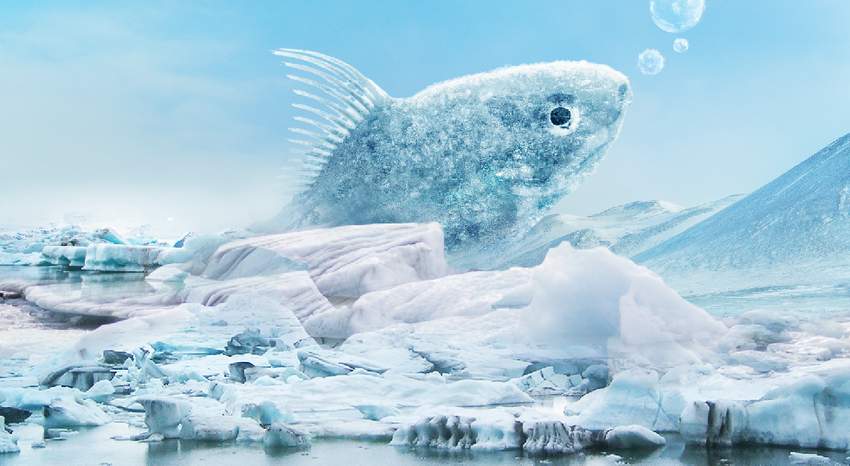
Place the ice 3 image over the main document and use a layer mask with a medium-hard black brush to remove the foreground and background, leaving some ice visible around the fish and the midground.
Step 5
Duplicate this layer and resize it to be larger. Move it up a bit and use a layer mask to show some bigger ice around the fish.

Step 6
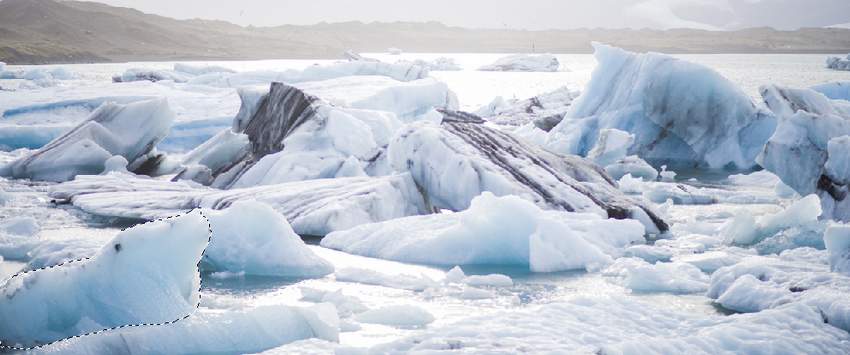
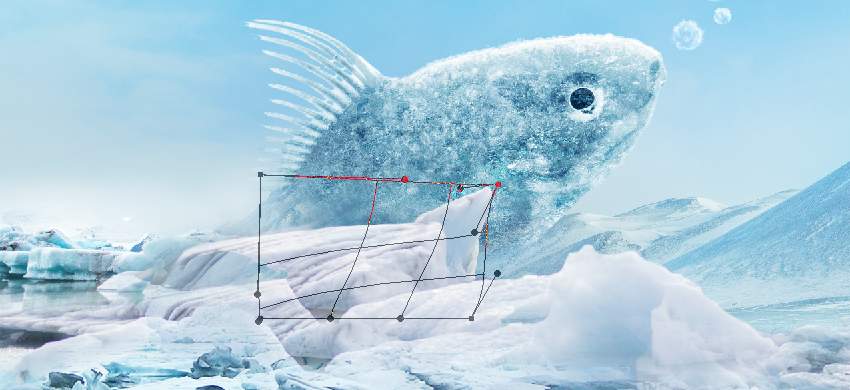
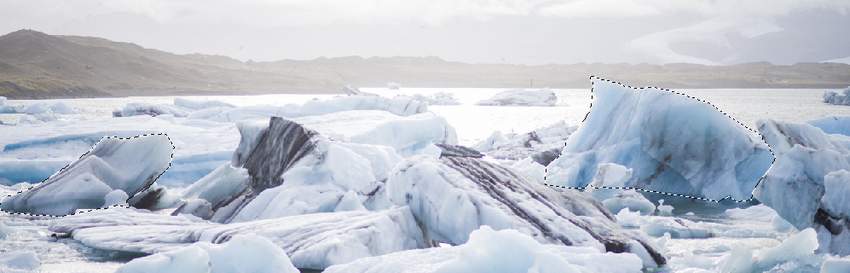
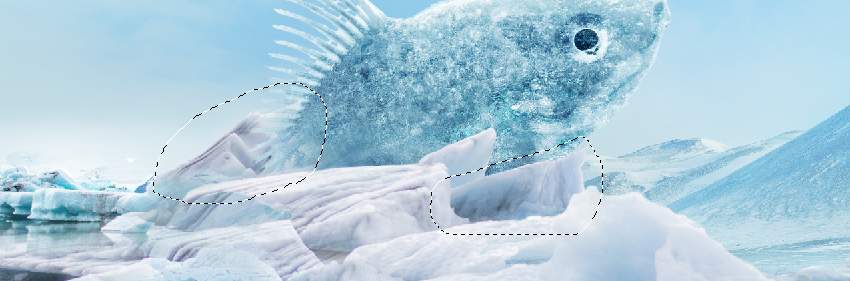
Select an ice part from the original image and add it near the fish. Use the Free Transform Tool (Control-T)with the Warp mode to tweak it a little. Set this layer below the two previous ones.
Step 7
Take other ice parts to add around the fish. Use a layer mask for each of these layers to remove the hard edges and blend them with the existing ground. Mask off the one on the fish's tail so it appears behind the fish.
 情非得已
情非得已
-
 Photoshop制作復(fù)古風(fēng)格的老照片效果【英】2018-04-23
-
 Photoshop合成長(zhǎng)著創(chuàng)意大樹(shù)的長(zhǎng)頸鹿【英】2018-04-23
-
 Photoshop合成冰凍特效的金魚(yú)場(chǎng)景【英】2018-02-10
-
 Photoshop合成夢(mèng)幻風(fēng)格的森林場(chǎng)景【英】2018-02-10
-
 Photoshop合成正在施法的巫師【英】2018-02-10
-
 Photoshop制作金屬質(zhì)感的3D立體字【英】2018-01-09
-
 Photoshop設(shè)計(jì)火焰燃燒藝術(shù)字教程【英】2018-01-09
-
Photoshop合成長(zhǎng)著創(chuàng)意大樹(shù)的長(zhǎng)頸鹿【英】
相關(guān)文章13832018-04-23
-
Photoshop合成夢(mèng)幻風(fēng)格的森林場(chǎng)景【英】
相關(guān)文章24492018-02-10
-
Photoshop合成正在施法的巫師【英】
相關(guān)文章8372018-02-10
-
 Photoshop合成絢麗空中翱翔的仙子【英】
相關(guān)文章7412018-01-05
Photoshop合成絢麗空中翱翔的仙子【英】
相關(guān)文章7412018-01-05
-
 Photoshop合成恐怖特效的萬(wàn)圣節(jié)人像【英】
相關(guān)文章6702018-01-05
Photoshop合成恐怖特效的萬(wàn)圣節(jié)人像【英】
相關(guān)文章6702018-01-05
-
 Photoshop合成被樹(shù)妖困住的女孩【英】
相關(guān)文章7152018-01-05
Photoshop合成被樹(shù)妖困住的女孩【英】
相關(guān)文章7152018-01-05
-
 Photoshop合成在天空中飛行的天使【英】
相關(guān)文章4622017-12-25
Photoshop合成在天空中飛行的天使【英】
相關(guān)文章4622017-12-25
-
 Photoshop合成城市被流星攻擊場(chǎng)景【英】
相關(guān)文章7142017-12-12
Photoshop合成城市被流星攻擊場(chǎng)景【英】
相關(guān)文章7142017-12-12