Photoshop合成夢幻風格的森林場景【英】(5)
文章來源于 Tutsplus.com,感謝作者 Jenny Le 給我們帶來經精彩的文章!設計教程/國外教程/國外教程2018-02-10
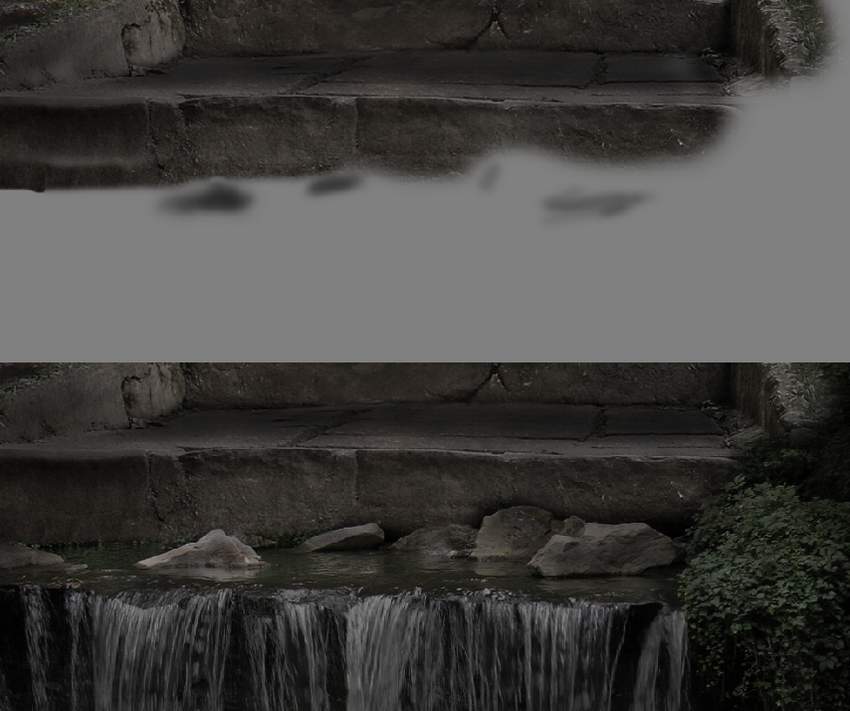
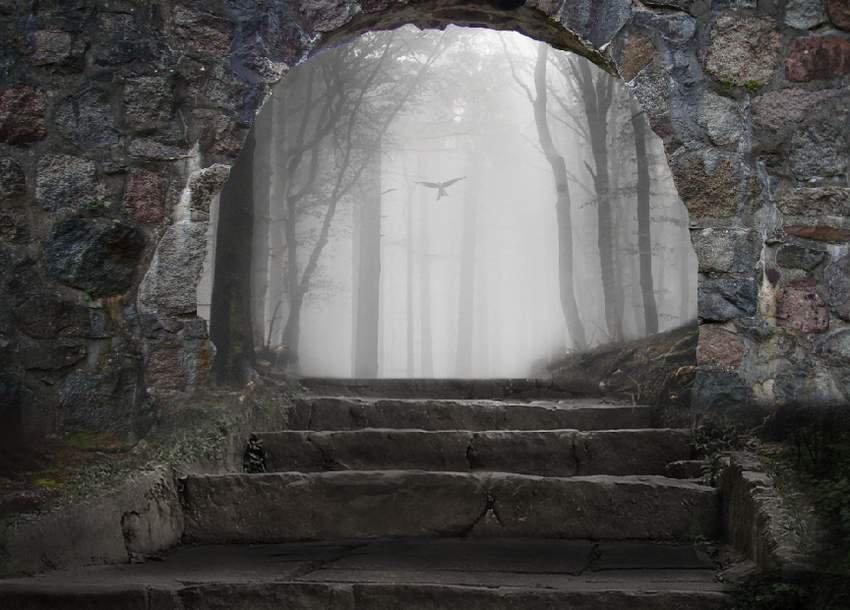
Step 4 Add a new layer, change the mode to Overlay 100%, and fill with 50% gray. Use the Burn Tool to darken the rocks more. 4. How to Add the Bird Step 1 Isolate the bird from the background and add
Step 4
Add a new layer, change the mode to Overlay 100%, and fill with 50% gray. Use the Burn Tool to darken the rocks more.
4. How to Add the Bird
Step 1
Isolate the bird from the background and add it to the upper middle section. Use the Free Transform Tool (Control-T) to make it much smaller to create an impression of distance.

Step 2
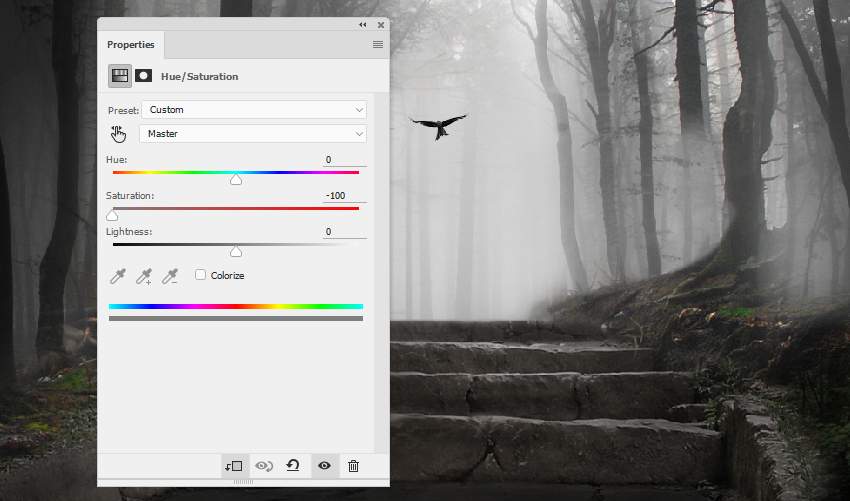
Create a Hue/Saturation adjustment layer to desaturate the bird.
Step 3
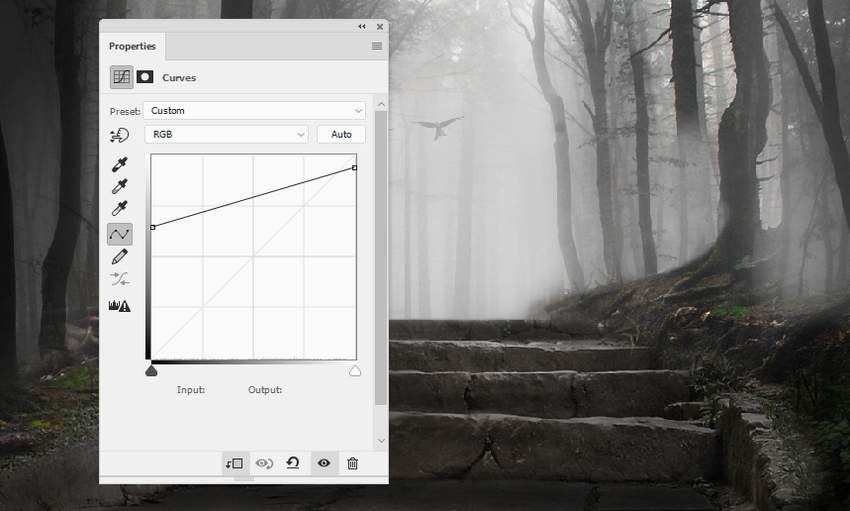
Use a Curves adjustment layer to reduce the bird's visibility, making it fade out into the foggy background.
5. How to Retouch the Arch
Step 1
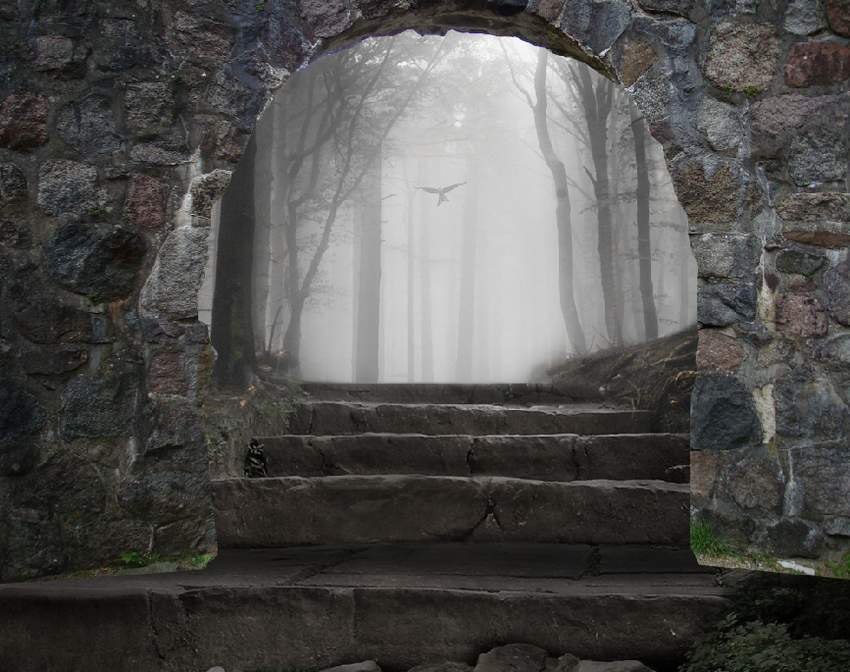
Cut out the arch from the original image and place it above the stairs. Use a layer mask to erase the bottom and blend it with the existing ground.
 情非得已
情非得已
推薦文章
-
 Photoshop制作復古風格的老照片效果【英】2018-04-23
-
 Photoshop合成長著創意大樹的長頸鹿【英】2018-04-23
-
 Photoshop合成冰凍特效的金魚場景【英】2018-02-10
-
 Photoshop合成夢幻風格的森林場景【英】2018-02-10
-
 Photoshop合成正在施法的巫師【英】2018-02-10
-
 Photoshop制作金屬質感的3D立體字【英】2018-01-09
-
 Photoshop設計火焰燃燒藝術字教程【英】2018-01-09
熱門文章
-
Photoshop制作復古風格的老照片效果【英】
相關文章11882018-04-23
-
Photoshop合成冰凍特效的金魚場景【英】
相關文章34052018-02-10
-
 Photoshop合成城市被流星攻擊場景【英】
相關文章7142017-12-12
Photoshop合成城市被流星攻擊場景【英】
相關文章7142017-12-12
-
 Photoshop合成創意的英雄戰斗場景教程【英】
相關文章5802017-12-12
Photoshop合成創意的英雄戰斗場景教程【英】
相關文章5802017-12-12